Today’s post has got Dottypost review.
Do you know that 65% of consumers say their purchase decision is influenced by the values of a brand?
And 68% of people like to read stuff about the brand they find interesting.
Now, why am I telling you this?
Because this is the age of personal branding.
Having a personal brand is crucial for you, be it for your own self or your clients, but let’s be honest, personal branding can be hard.
With constant posting, commenting, content creation, and other responsibilities…
There’s a high chance for you to be a victim of burnout.
So to prevent that, you can use Dottypost, created by Ankit SaaS.
I used Dottypost for my LinkedIn, and here’s my 100% honest review.
What Is Dottypost?
We’re living in the age of AI. It’s no surprise that people are creating awesome things using AI-powered tools.
But…
Sometimes you stumble onto something so good, you forget all other products made by AI.
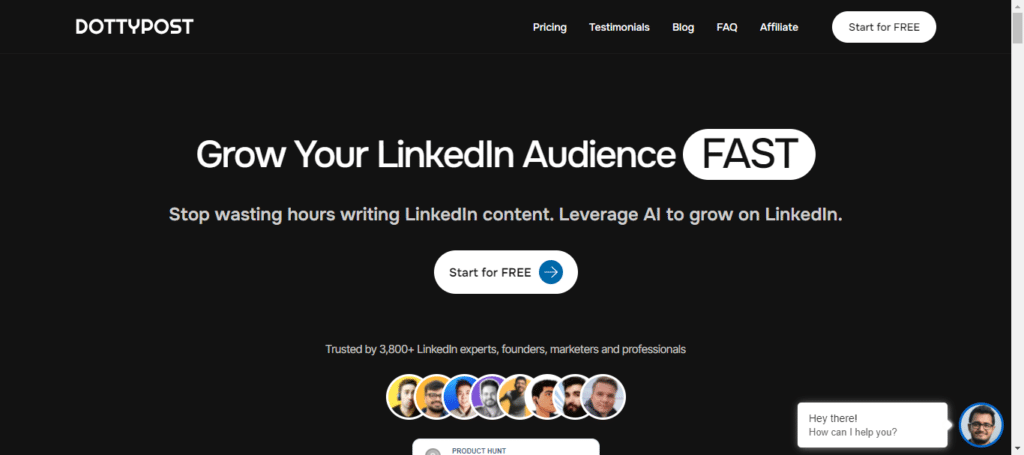
Dottypost is a tool that helps you with content creation on LinkedIn.
The tool claims to be #1 in the market.
Not only does it help you post, but it also schedules, tracks, and saves content.
And, Dottypost isn’t limited to text posts only. It can also create effective carousels that can be created within a few seconds.
Enough for the intro, let’s get into the awesome features now.
Dottypost Review
I’ve divided the whole review into two sections.
First I’ll talk about the post-creation process of Dottypost, and then I’ll move on to its management features.
1. Content Creation
When you complete your login, Dottypost directs you to the dashboard. You’d be able to see multiple options here.
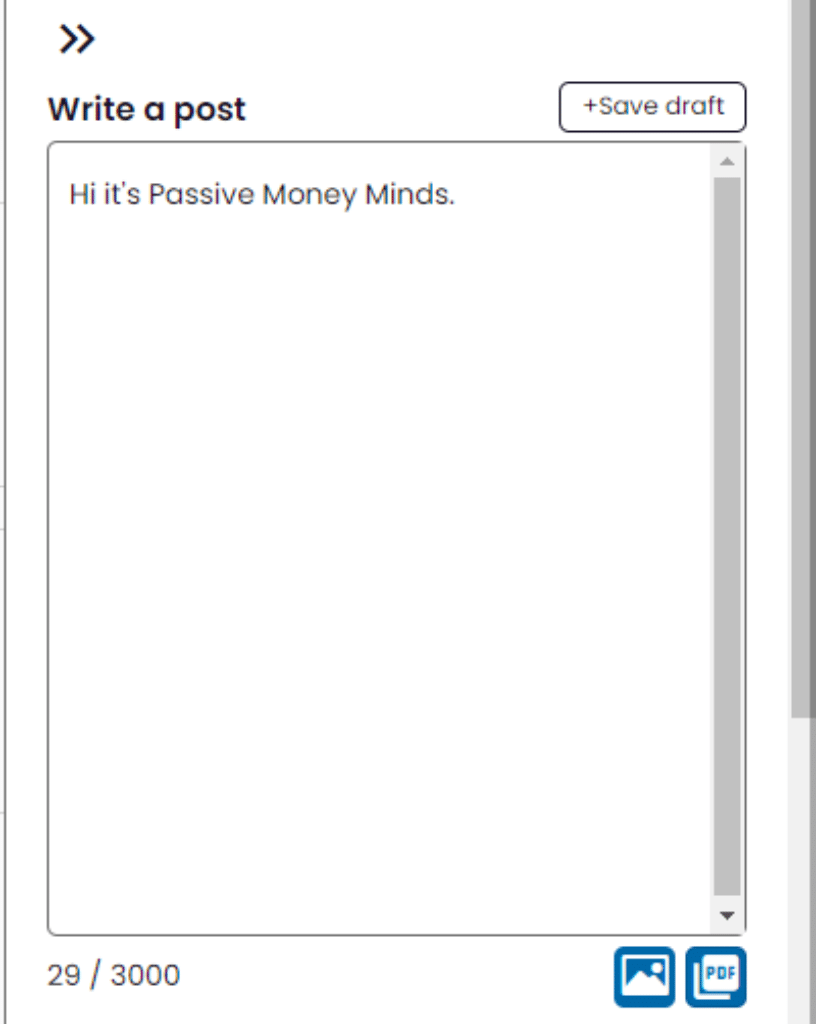
Once you click on the pencil icon on the top left corner, a textbox will appear.
In this text box, you can write content manually and add photos and PDFs along with it.
Dottypost gives you the option to write yourself and post it with one click. You don’t have to log in to your LinkedIn profile to post through Dottypost.
Now, let’s get to the juicy part.
1.1 Post Creation
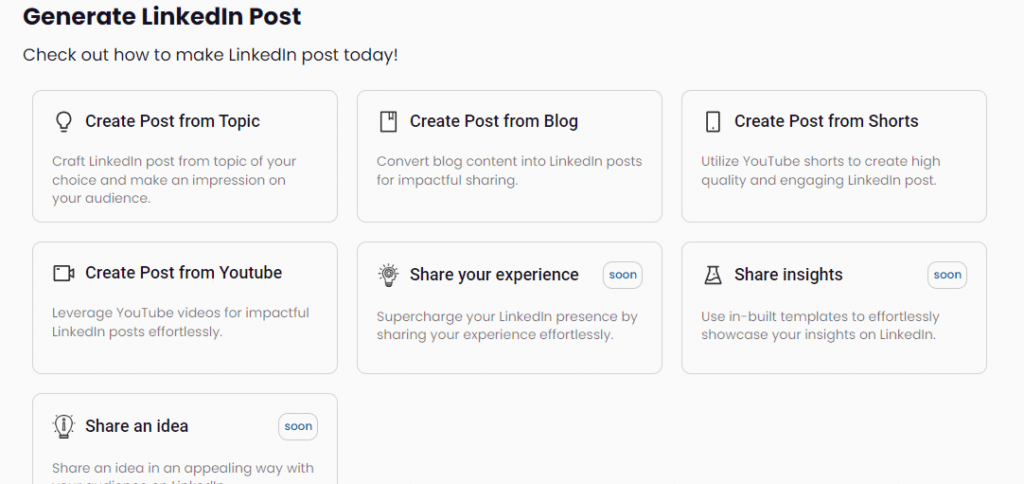
Once you click on the Create button in the main menu of Dottypost, another menu will appear. The menu is present on the left side of the screen and is very easy to use and understand. Once you click on Post Creation, you can see many post creation options.
Dottypost currently has:
- Create a post from a topic
- Create a post from the blog
- Create a post from shorts
- Create a post from YouTube videos
Let’s understand how you can use these options for post creation.
Create LinkedIn Post From Topic: In this option, you can only describe your topic within a few words and Dottypost creates the whole post for you.
Yes, you heard that right!
Your whole post will be created in a few seconds.
What I liked the most about this feature is the Change Template option.
Let’s say, I need to generate a post on “How To Increase Engagement On LinkedIn”, I can type my topic in the text box. And then, I can click on “Change Template”.
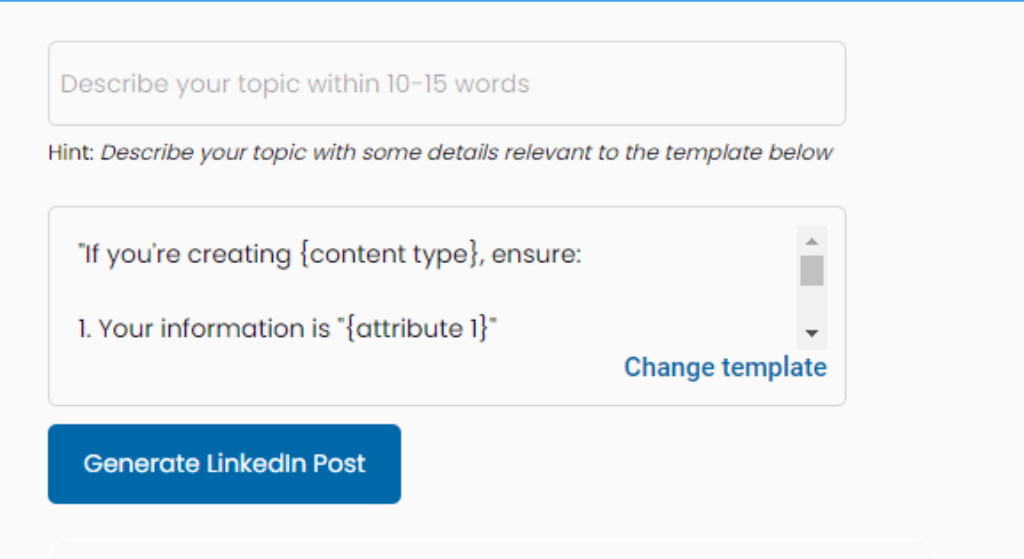
You’ll see an ocean of templates waiting for you.
But wait, that’s not it.
These templates are perfectly organized into categories like entrepreneurship, AI, content marketing, and more.
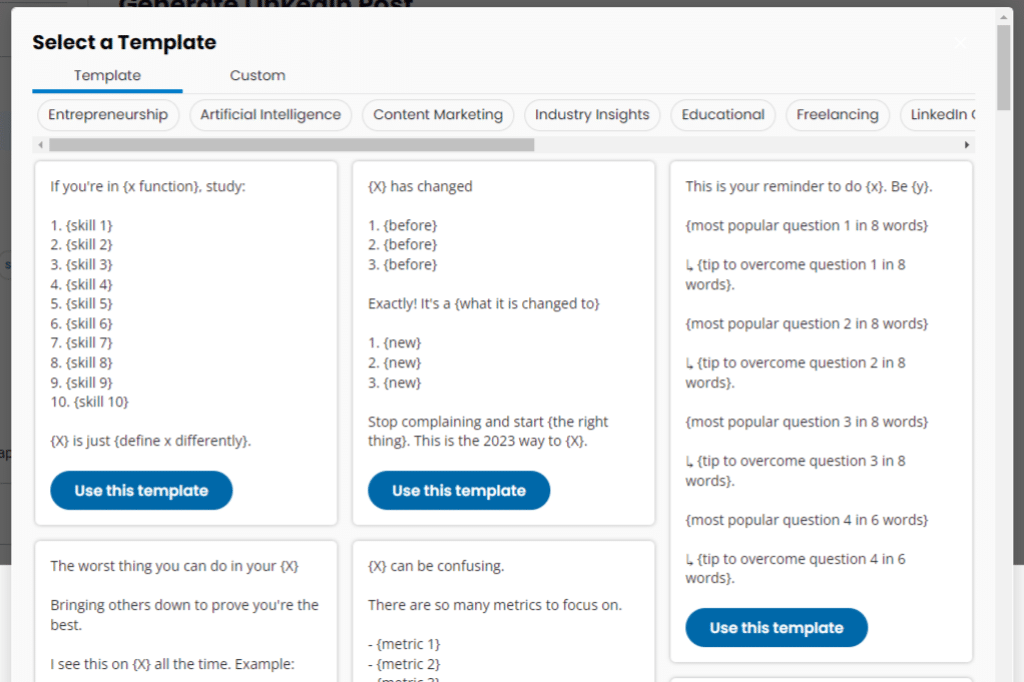
So you can choose a category and save yourself from the trouble of constant browsing through irrelevant content.
Once you find a template to your liking, click “Use this template” and “Generate LinkedIn Post”.
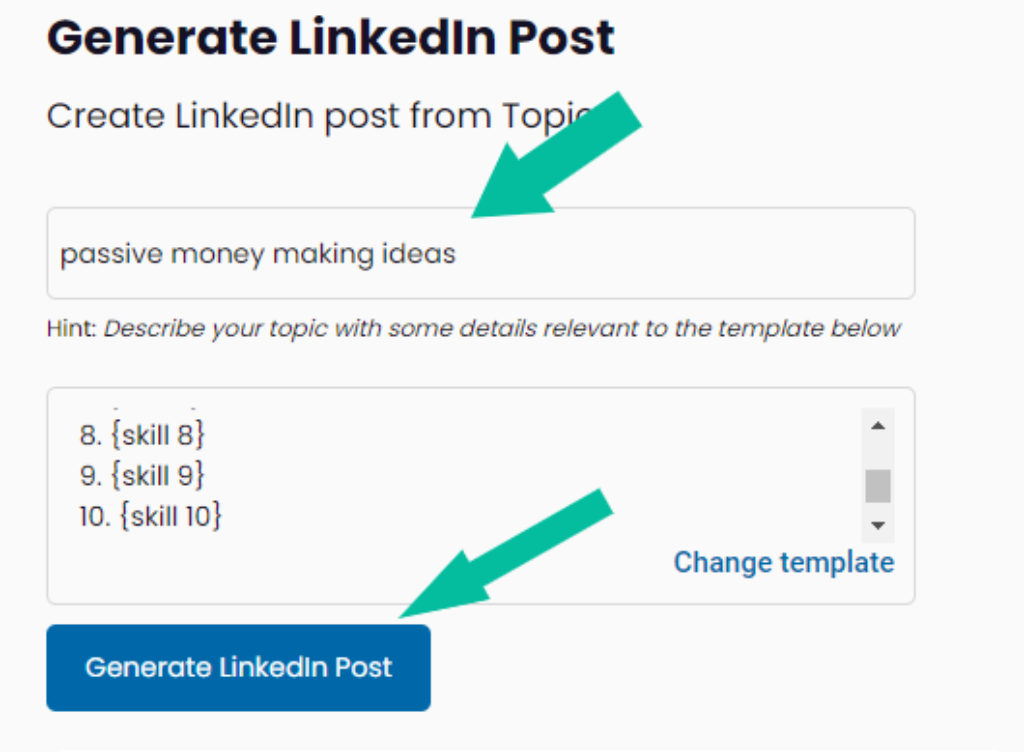
And that’s all you need to do to create a LinkedIn post only from the topic.
And if you only want to edit the template, you can click on “Custom” and edit the template in whatever way you want.
And just like that, you can create a LinkedIn post in a few seconds with a customized template.
You can also create posts from blogs, YouTube videos, and shorts.
Okay, let’s move on to the most exciting AI Carousel now.
1.2. AI Carousel
Carousels are a pain in the ass.
And it’s not me who’s saying it. It literally takes 4 to 5 hours to create a post-worthy carousel.
All the image editing, text modification, and graphics addition is enough to give a normal person stress.
But what if I tell you that carousels can be created in 2 seconds? Will you believe me?
Well, you have to.
Dottypost allows you to create carousels from topics, blogs, shorts, and YouTube videos.
All this in just a matter of a few clicks.
So I created a carousel from a topic.
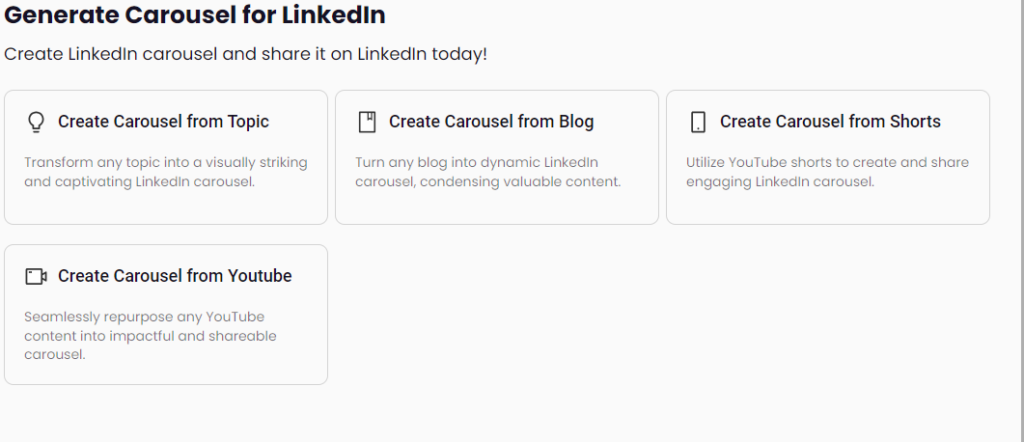
Here’s how it went.
The process was very seamless. All I did was click on “Create LinkedIn Carousel from Topic,” and my screen lit with a beautiful carousel template.
Then I added my topic in a few words, put it in the text box, and finally hopped onto the graphic details.
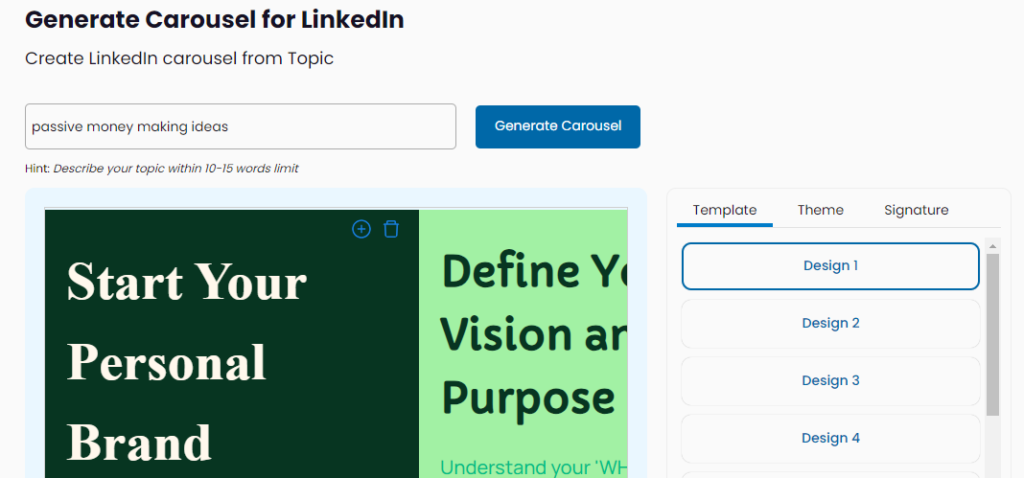
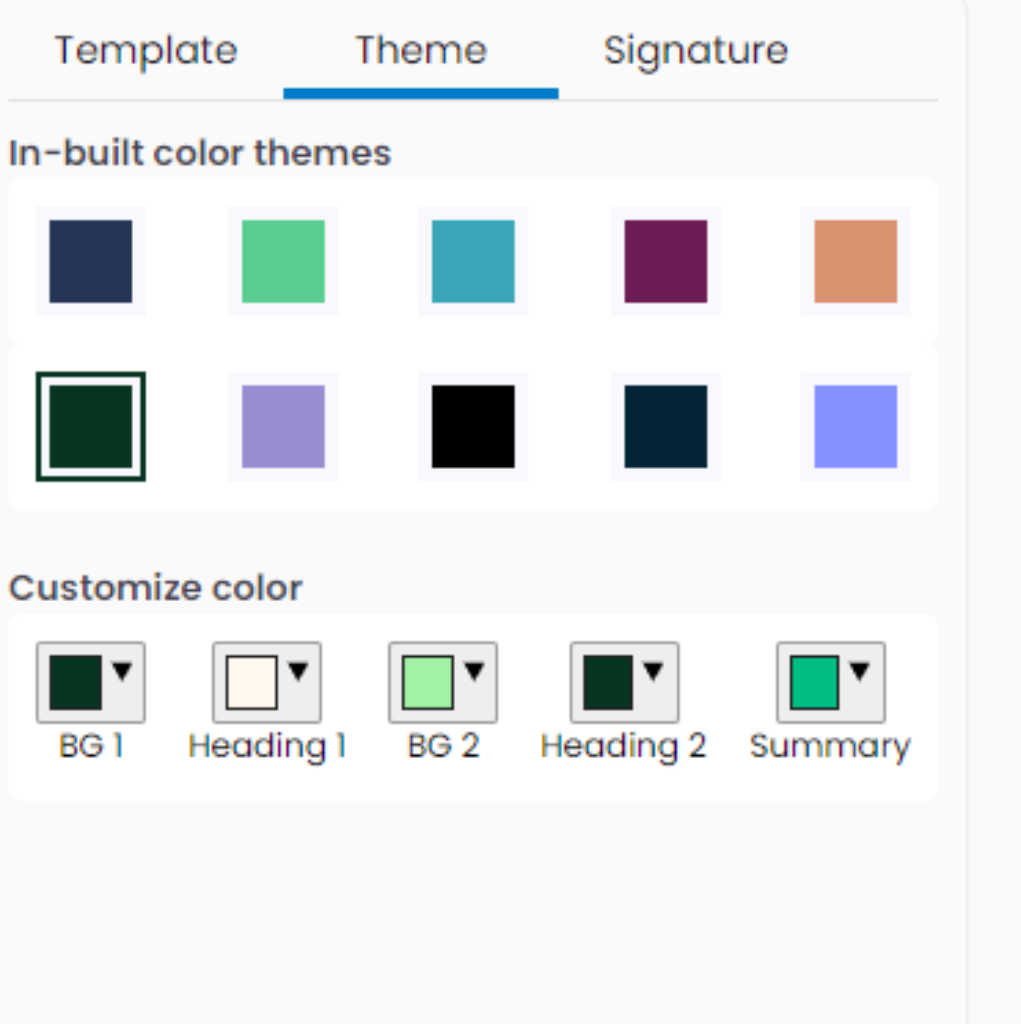
There were 20 designs to choose from. And not just that, I had an option of adding any of the built-in theme colors to my carousel.
And I was more than satisfied with the color theme, but I really loved the way Dottypost also has the option of customization, even in the themes.
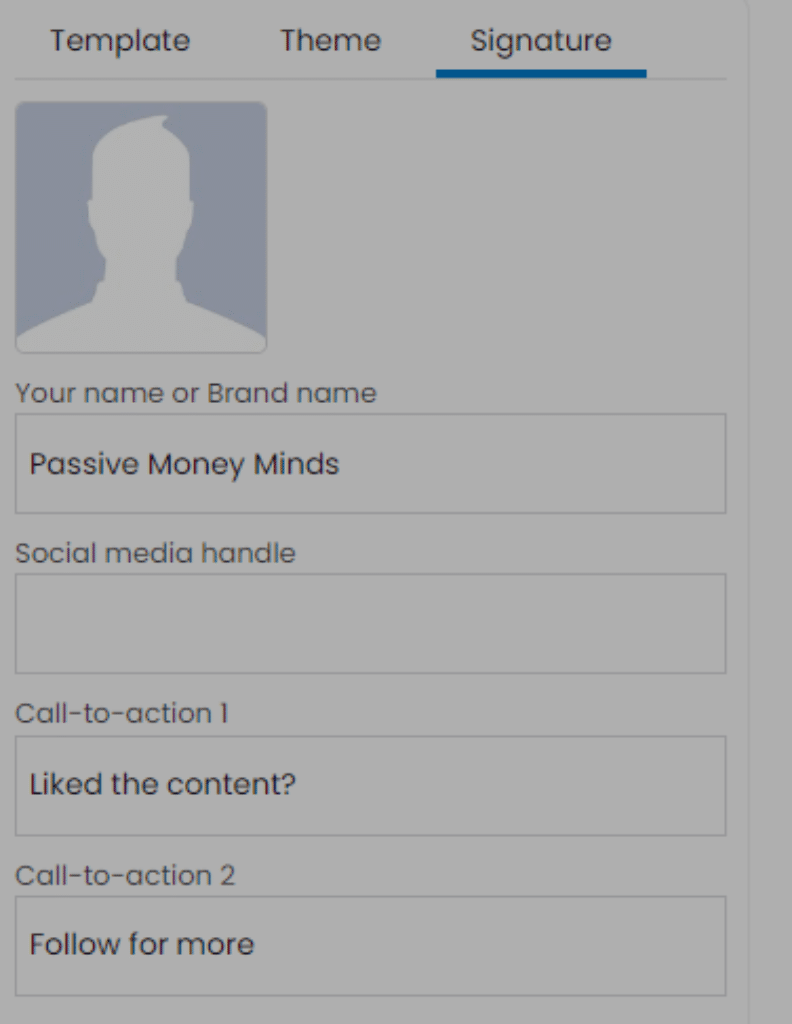
Finally, I went to my signature section. I added my brand name, my social media handle and my CTA (Call-to-action).
And that’s it.
I finally clicked on “Generate” and got my carousel in literally a few seconds.
Then I clicked on the download button and boom, I already had a foolproof pdf file.
I didn’t even have to struggle about converting my file into a pdf. Dottypost had already done that for me.
1.3. Post Inspiration
This section right here is for all my writer-block buddies.
I know it gets really hard when you just stare at the blank screen and wait for inspiration to hit you.
But we all know, it rarely happens.
So say no to writer’s block.
And say hello to inspo-packed posts.
Once I clicked the option “Post Inspiration”, posts flooded my laptop screen.
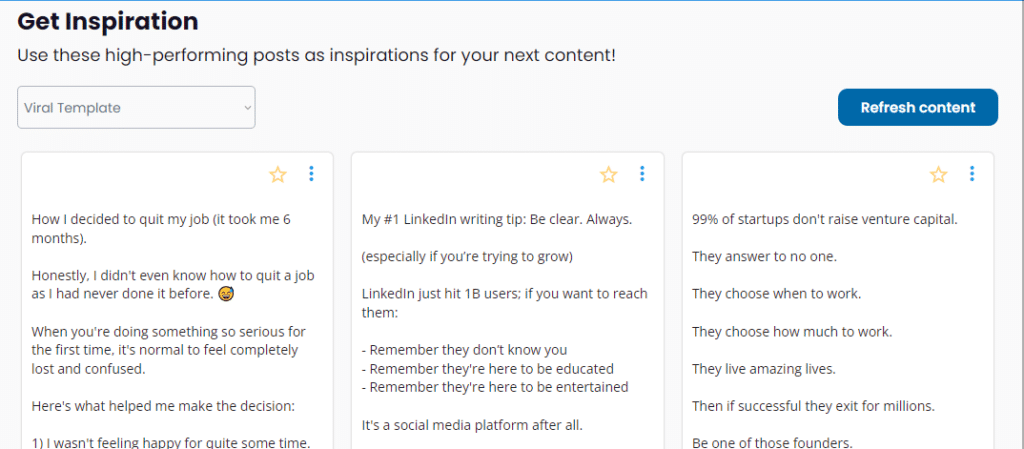
When I looked in the top left corner, I could see a category option.
So you can choose any of the categories from cybersecurity to SaaS, and from Productivity to Product Management. This is so much content, believe me.
Once you click on the relevant category, you’ll see posts by top creators of your chosen niche. You can browse through all these posts and even save the ones you like.
You simply have to click on the star button on the post, and it’ll be saved.
So I chose one post I really liked and used AI on it.
To my surprise, Dottypost didn’t just modify the post but even let me add my own topic so that I could create a post from that template.
And that’s not it, there’s a refresh button on top of the inspiration page. So when you get tired of seeing the same content, you can simply click on “Refresh” and get recently created content.
Also, since all the posts have their creators and publish dates mentioned, it’s easy for you to go and follow the creators you like.
2. Management
Dottypost not only provides you with top-notch post creation options but also lets you manage all your content.
Be it the posts you like, the posts you write, or the ones you schedule, Dottypost has got you all covered.
Here are two of its options:
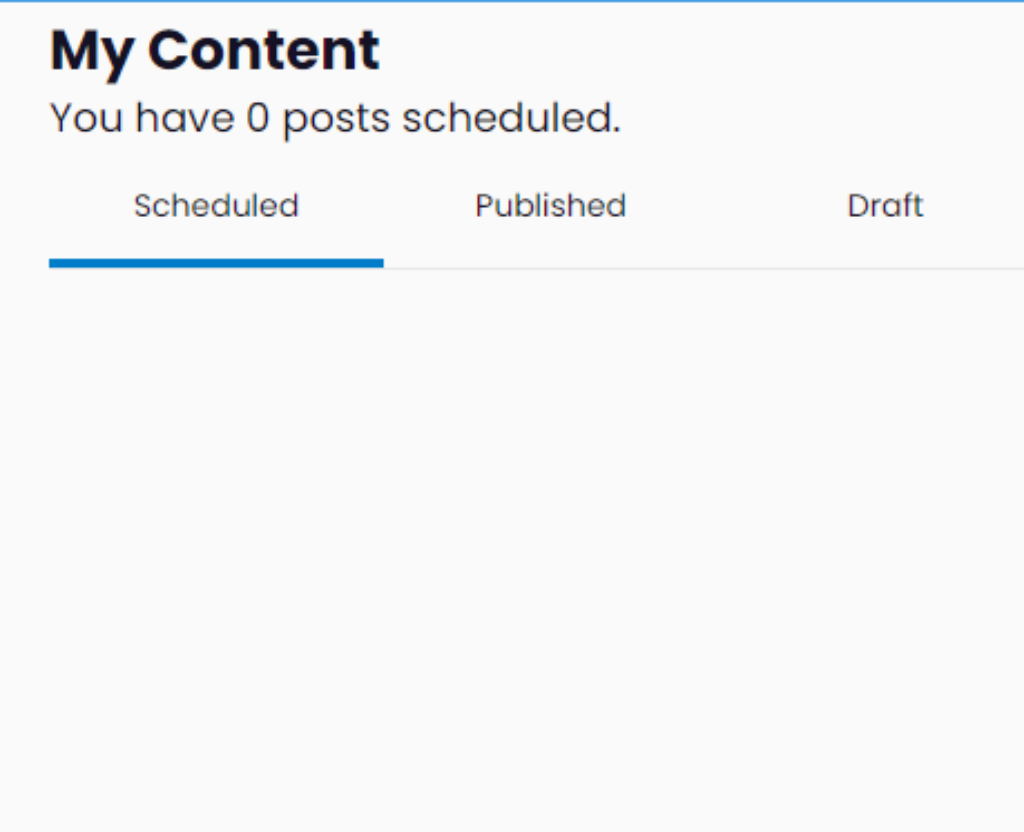
2.1. My Queue
In this section, you can see three bars.
One of them will have your scheduled posts, and the two others will have published posts and drafts.
Dottypost gives you these features so that you never lose track of anything.
2.2. Saved Content
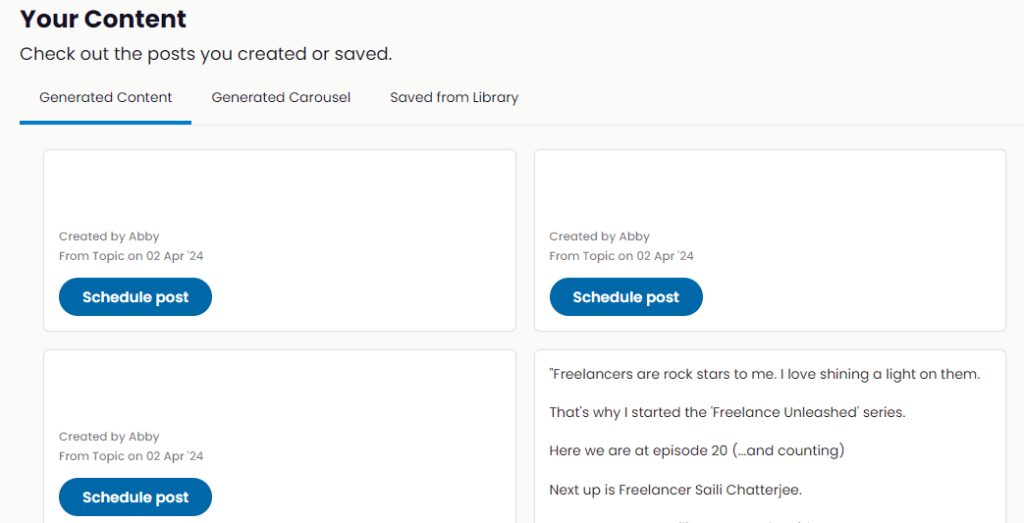
In this section, again, you have 3 portions.
In the first one, you can see the content you generated.
In the second one, there are carousels you create in Dottypost.
Finally, you can see the posts you save from Dottypost library. I’m talking about the one in the “Post Inspiration” section.
That’s all about how Dottypost works.
Now, let’s quickly review the features Dottypost gives and then check the pricing plan of Dottypost.
Dottypost Top Features
Here are a few amazing features of Dottypost.
- You can create content from literally anything i.e. topics, blogs, YouTube videos.
- You can write, schedule, and post right from one platform.
- You can drop automatic comments right from Dottypost to LinkedIn.
- You can create carousels in a few seconds.
- You get a post library with 10,000+ posts for inspiration.
- Every post you like can be used as a template.
- You can add team collaboration and work with clients in real-time.
- You can manage multiple LinkedIn accounts on Dottypost.
Dottypost Pricing Plans
So Dottypost has both monthly and yearly plans for you. Let’s see what each plan offers.
Starter
- Starts at $9
- 100+ viral post examples
- Post and carousel creation from a topic
- 1 user
- 30 AI credits(1 credit means you can use post/carousel creation AI 1 time)
Pro
- Starts at $29
- 10,000+ viral post examples
- Post and carousel creation from topic, blog, YouTube video and shorts.
- 2 users
- Unlimited AI credits
- Auto plug comment
Team
- Starts at $100
- Has everything included in the Pro version
- 10 users
And for the yearly plans, they work the same way. The only difference is in their prices. The yearly pricing plan for starter, pro, and team versions is $90, $290, and $900.
Dottypost Lifetime Deal
Okay, this is something that also caught me by surprise.
Along with the usual prices, Dottypost has a lifetime deal.
In this deal, you have to pay only once and you can keep using Dottypost forever with NO MONTHLY OR YEARLY FEE.
Sounds amazing, right?
So, to get this deal, you’ll have to pay $99 for the starter, $229 for the pro, and $499 for the team plan.
Honestly, the tool is worth giving this deal a shot.
Pros And Cons
Now, you’ve had a comprehensive analysis of how the tool works, the features, and the pricing. Let’s talk about the pros and cons of Dottypost according to my experience.
Dottypost Rating
Using Dottypost has been a very pleasant experience for me. I’d give Dottypost a solid 4.5/5. I’m giving this rating because I believe lagging in the system can be problematic. Other than that, the tool is really good. Let’s understand how Dottypost performed according to these categories.
Dottypost Alternatives
There are a lot of alternatives to Dottypost but I can’t be sure if they’re as generous in their pricing plans.
- Taplio
- Hootsuite
- Buffer
Frequently Asked Questions
What is Dottypost?
content
How can Dottypost benefit me?
What is the cost of Dottypost?
Can I change my plan on Dottypost? le title
Can I add more than 1 account on Dottypost?
Is Dottypost free?
What is Dottypost Lifetime Deal?
Dottypost is an awesome tool you can use to build your LinkedIn profile. Multiple features of Dottypost help you do your work fast and effectively. You can create a personal brand for yourself or for your clients as a ghostwriter. Click here to learn how to build a thriving personal brand in 2024. And I hope you liked this Dottypost Review.