Are you looking for a way you can do quality content creation without spending the usual long hours? Do you want to lessen the load off your shoulders and get someone who can do the work for you, instead? Are you sick of the hefty SEO optimisation, keyword research, and all the other things that come with content automation? Do you fancy the idea of hiring a trained blogger, but that’s too expensive?
If that’s you, you’re at the right place.
Today, I’m about to tell you about the best AI tools for generating content at scale.
These tools will help you generate content that will be effective and engaging. And all you’ll have to do is give it prompts and command it to do your work. And voilà! Your content creation is done, with minimal effort.
Your Ultimate Guide to SEO Content Creation
Tools for Written Content
Jasper
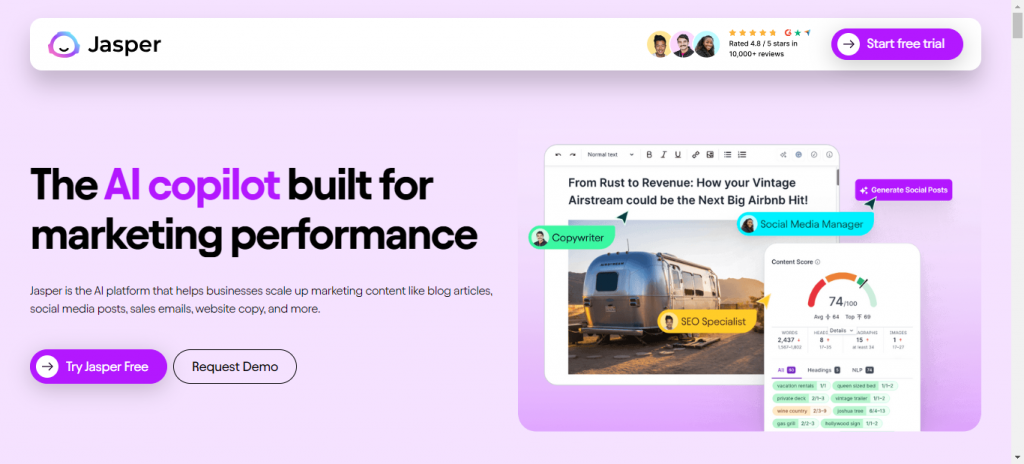
The first one on our list is Jasper. You might have heard the name already. Jasper is the AI tool that’ll help you scale your marketing content. You can use Jasper for blog articles, email marketing, webpage content, social media posts, and so much more.
Key Features
- Jasper can write your copy in more than 30+ languages, which is crazy.
- You get a Chrome extension of Jasper to write anywhere and anytime conveniently.
- Jasper helps you optimize content according to your brand. This way, you always sound like yourself.
Reviews and Pricing
It also comes with a 7-day free trial. And it’ll cost you from $39-99/ month.
Writer.com
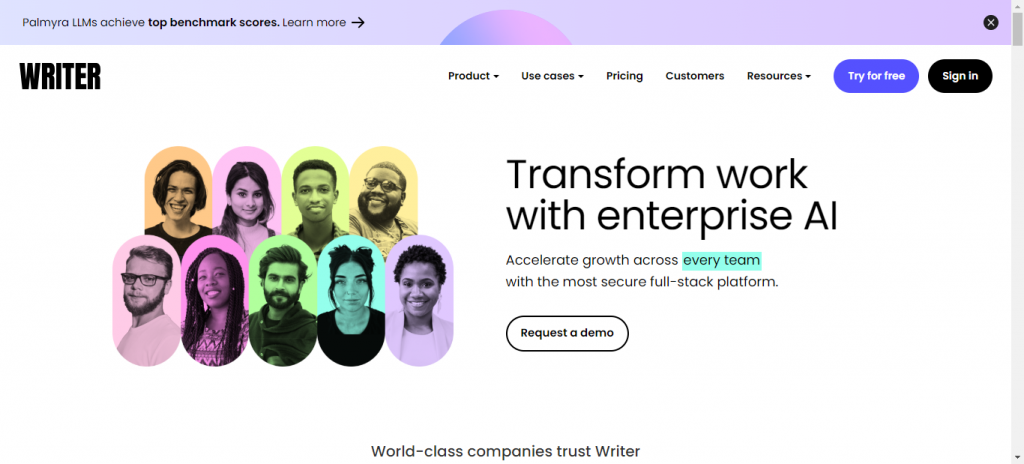
This amazing tool will help you accelerate your growth across every team. A writer can give consistently accurate insights and tips about your brand, which can help you scale your content faster and better.
Key Features
- Writer is one of the most secure platforms for your content creation. It involves no third party.
- Financial services and health care industries can benefit more as a Writer is well-tuned for them.
- Writer integrates your existing tools and makes your work easy across all platforms like Word, Google Docs, Chrome, Figma, etc.
Pricing
Its pricing plan can vary for individual users and enterprises. Writer charges you $18 per user/month.
Notion
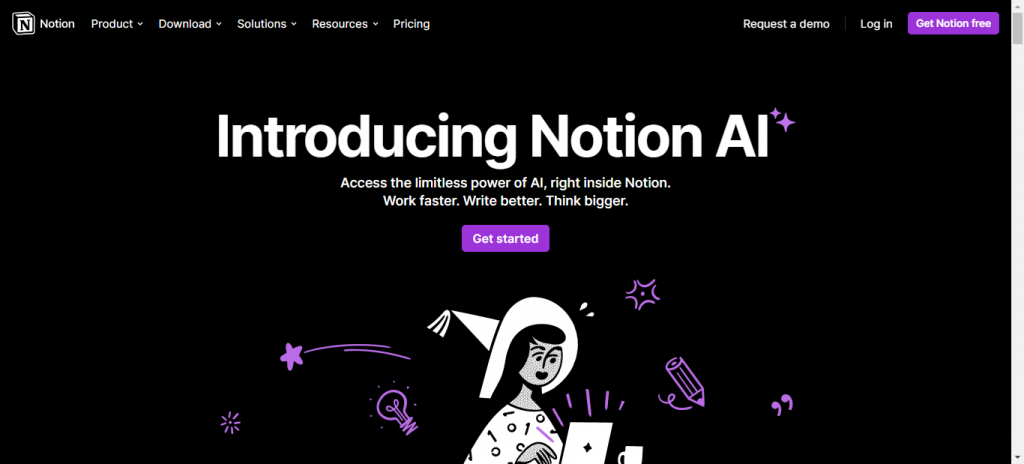
An excellent tool, Notion always makes sure your otherwise messy notes are organized. It lets you write summaries and gives you important insights from your content.
Key Features
- Notion has AI integrated right inside it, and you can start writing from there.
- Notion effectively doesn’t just write you content; in fact, it makes your text shorter or longer too.
- Notion can change the mood and tone of your writing in one click.
Pricing
Notion charges you $8/month if you pay annually and $10 if you choose to pay monthly.
Surfer AI

Don’t have time to edit and optimise your content? No worries because Surfer AI got you. This amazing tool lets you create articles that are ready to rank in minutes, literally. You can just click and optimise your content.
Key Features
- Surfer AI creates SEO-optimised content using keywords.
- It automatically writes your content in a tone that will help your page rank.
- Surfer AI inserts links and unique contextual images.
Pricing
Although, its charges are also premium. You need to pay $29 for each article.
Scale your copy by using these tools
Tools For Copywriting
Copy.ai
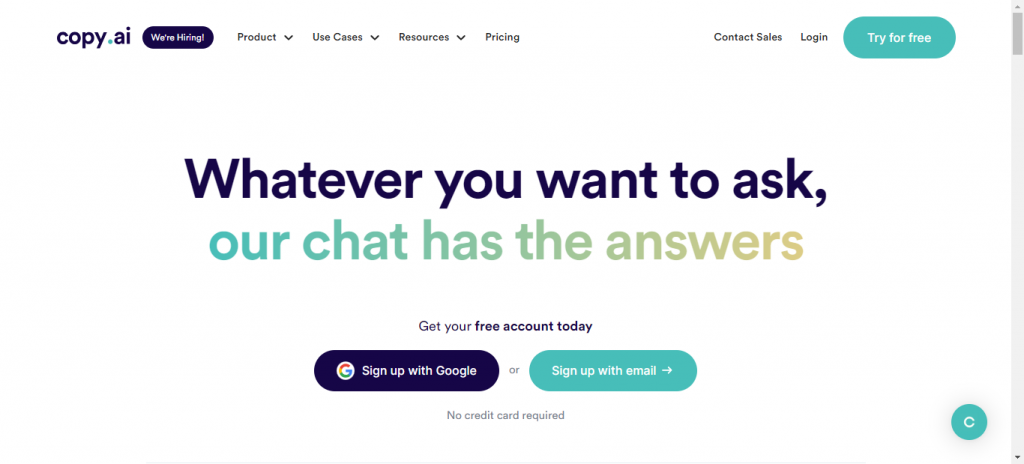
Copy.ai is your go-to tool for writing compelling copy. Be it for blogs, emails, or anything you need to convert, this tool is at your service. You get to have premium results just in a few seconds after using copy.ai.
Key Features
- Copy AI lets you leverage 90+ tools and templates for your content production.
- It integrates with Google Docs, Slack, Zapier, and more.
- Copy AI knows the art of crafting compelling copy for your ads, sales pages, and much more.
Pricing
Copy AI gives you 2000 words/month in its free trial. And you can have the paid version for $49.
Writesonic

Writesonic helps you create content that is plagiarism-free. Don’t spend time thinking about your content ideas. Let Writesonic write for your blog, product descriptions, Facebook ads, and everywhere else.
Key Features
- You can rewrite sentences, correct grammar, and get better word suggestions from Writesonic.
- Writesonic lets you generate 100s of catchy and informative headlines.
- With Writesonic, you can write high-performing copy for all platforms.
Pricing
It gives you 10,000 words per month in your free trial and after that, you pay $19/ month for having to write on Writesonic.
Hemingway Editor
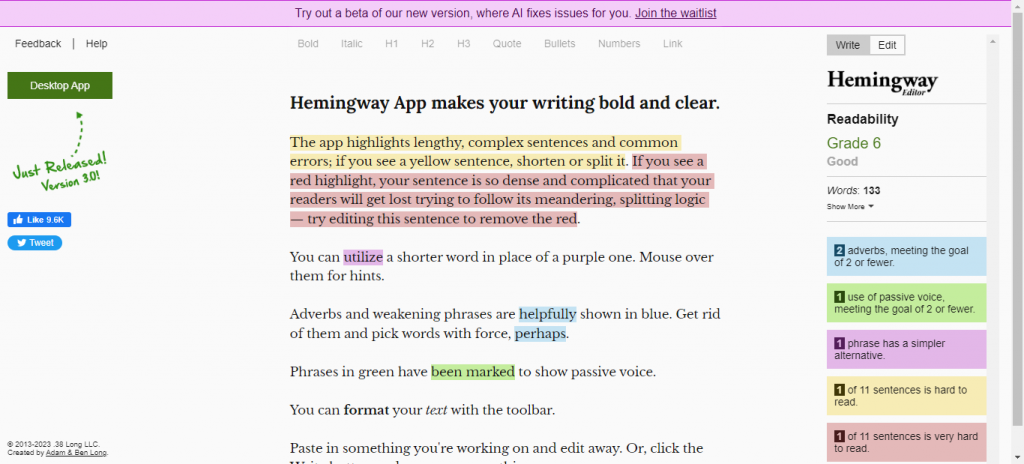
Hemingway Editor is excellent if you’re used to writing extremely complex sentences. Nothing improves your content’s readability like this app.
Key Features
- Hemingway improves the readability of your text and highlights common errors.
- You get a readability score and reading level assessment.
- It can be used online or as a desktop app.
Pricing
If you want to avail more and have the desktop version, you need to pay $19.99 for a one-time purchase.
Wordtune

Say no to fluff and write exactly what you mean. By the authentic and compelling content creation process of Wordtune, you’re entering the world of simple yet effective content.
Key Features
- Wordtune rewrites your content and makes it clear, concise, and meaningful.
- It ensures your writing aligns with your target audience.
- Wordtune offers a Chrome extension, mobile app, and web app for you to access from anywhere.
Pricing
You get 10 rewrites for free, and then you have to pay $9.99- $14.99/ month.
Ex[erience real content automation by signing up to these tools
Tools For Repurposing Content
Vidyo.ai
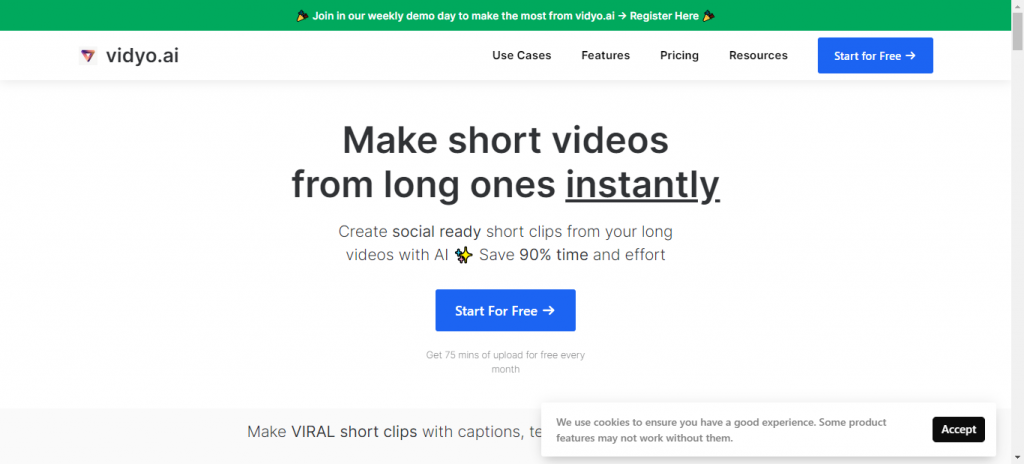
One of the biggest secrets to content creation is repurposing old content. And trust me, no one will tell you this. One long-form content piece can give you a full week’s content! And Vidyo.ai is here to make Repurposing fun and easy for you.
You can create shorter videos with a longer video easily in no time. You’d save your effort and money. You can add templates, emojis, and captions in your videos for your videos easily and make them eye-catching.
Also check: Top AI tools for video content creation
Key Features
- Vidyo.ai selects the top moments from your videos and adds captions to them all by itself.
- You can choose from 100+ templates, and you also get the option to make your own.
- Vidyo.ai offers you custom branding.
Pricing
Its free plan includes 75 mins of free upload per month and the paid plan charges $15-$299/ month based on upload minutes.
Opus Clip
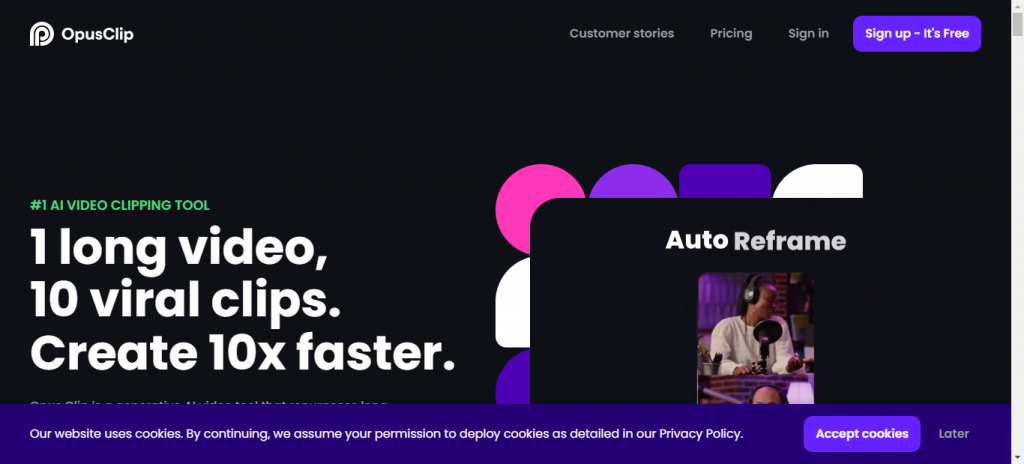
Create content 10× faster by signing up to Opus Clip. This AI tool can convert your longer videos into 10 viral short clips in a matter of minutes. Opus Clip is powered by Open AI and is surely worth giving a try.
Key Features
- Opus Clip has auto caption features and it also highlights your keywords.
- You can use keywords to take a specific part of the video out.
Pricing
Opus Clip gives 60 mins/month for free and then you have to spend $19/month based on your upload minutes.
Wondercraft
Whether you’re a publisher, a writer, or a business owner, having Wondercraft make podcasts of your content is a fantastic thing to do. It can help you have a brand voice of your own, and enhance your working abilities.
Key Features
- Wondercraft helps you convert existing content into engaging podcasts.
- It lets you draft the intro and outro of your script, so you can make whatever changes you want to.
- You can customize the voice and the music in the background.
Pricing
Its free plan is quite limited, where you get to make a 3-minute recording, and the paid plan charges you $34-$109.
Your engaging video content toolkit lies here
Tools For Video Creation
Synthesia
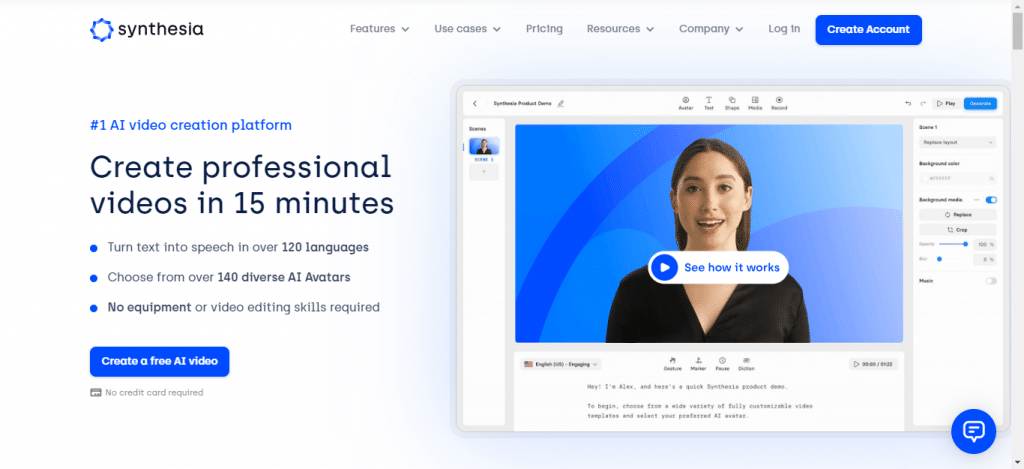
Add life to your boring text by converting it into videos. Synthesia lets you create videos that are high quality with AI voiceovers. You also have a variety of AI templates to choose from and make your video look realistic and natural.
Key Features
- Synthesia turns your text into videos in a matter of minutes.
- You get natural-sounding AI voices in 120+ languages.
- You can make videos engaging by choosing from 140+ avatars.
Pricing
Synthesia charges you $22.5 per month for its excellent services.
inVideo
Want something really simple to create effective content? InVideo is your pick. You can create eye-catching videos which will put your audience in total awe. Even if you’ve never done this before, inVideo makes the process seamless for you.
Key Features
- InVideo is extremely user-friendly and requires no prior experience.
- It was a library of 5000+ professionally created templates.
- You can generate videos and add captions and voice effects.
Pricing
It has a free version and the paid monthly plan costs you around $15-$30 per month.
Make your video content scalable with these tools
Tools For Image Generation
DALL.E 2
Tired of long photoshoots and creating custom images. How does the idea of creating images from text sound to you? Fantabulous, right? Well, hold your horses because it’s not a dream anymore. You can create images from textual descriptions using DALL.E2. This AI-based tool can create your images in whatever way you want them to!
Key Features
- DALL.E2 creates 100% original photos for you, just from textual descriptions.
- It expands images from what’s the usual canvas and gives you extraordinary results.
Pricing
For DALL.E2, you need to spend $0.13 for one prompt, which can generate 4 images for you.
Midjourney
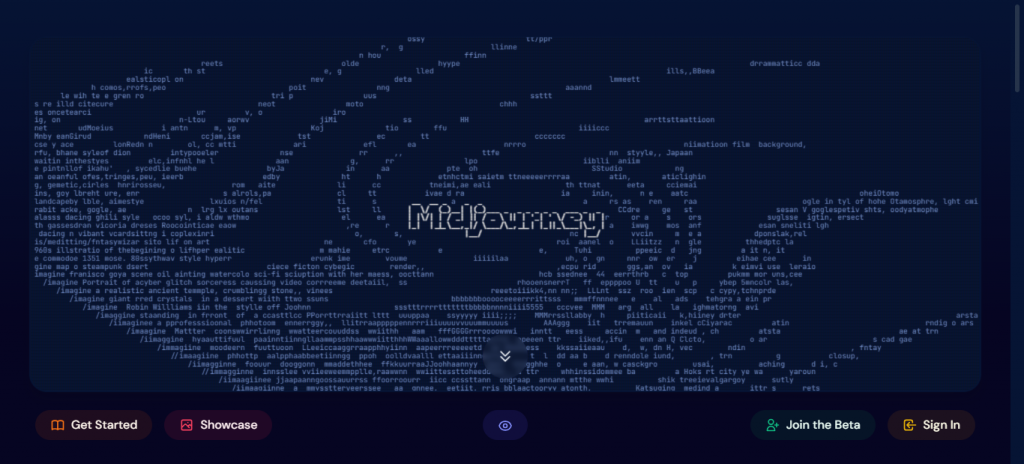
Similar to DALL.E2, Midjourney creates your images from scratch, and you get to have realistic and natural photos.
Key Features
- Midjourney can transfer the style of one image to another.
- Midjourney mostly creates images that are aesthetically pleasing.
- You use it very conveniently by talking to a bot in Discord.
Pricing
Its free version can be availed by joining the Discord server. For the paid version, you’ll have to pay $10-$120/ month.
Conclusion
So here you go, guys, with an awesome guide to your next content scaling tools. You don’t have to worry about any sort of content you wanna create. Want a blog? Hop on Jasper. Want someone to write your copy? Check copy.ai. Want some video or image creators? You’ve got Synthesia and Midjourney. And finally, you can repurpose all the content you create with the tools I mentioned above.
So don’t wait and skyrocket your growth, now!

- 1Your Ultimate Guide to SEO Content Creation
- 2Your ultimate choice to get Top-notch content
- 3No need to hire a writer when you have this
- 4Organize better, write better
- 5SEO headache? Let Surfer handle it
- 6Scale your copy by using these tools
- 7Chase your goals faster by copy that converts
- 8Want content 10x faster? look no further
- 9Improve your content readability in one touch
- 10Tune your chaotic thoughts into words that do magic
- 11Ex[erience real content automation by signing up to these tools
- 12Transform long boring videos to engaging short ones
- 13Got a long video? Make 10 out of it
- 14Make others wonderstruck when they listen to your podcasts
- 15Your engaging video content toolkit lies here
- 16AI voiceover, captions, avatars? Get it all here
- 17The easiest way to create professional videos
- 18Make your video content scalable with these tools
- 19Let others visualise your thoughts
- 20Create amazing photos just by a textual description